Sign in, free, to change its props and get its code.
Nucleus: Studio audio editor
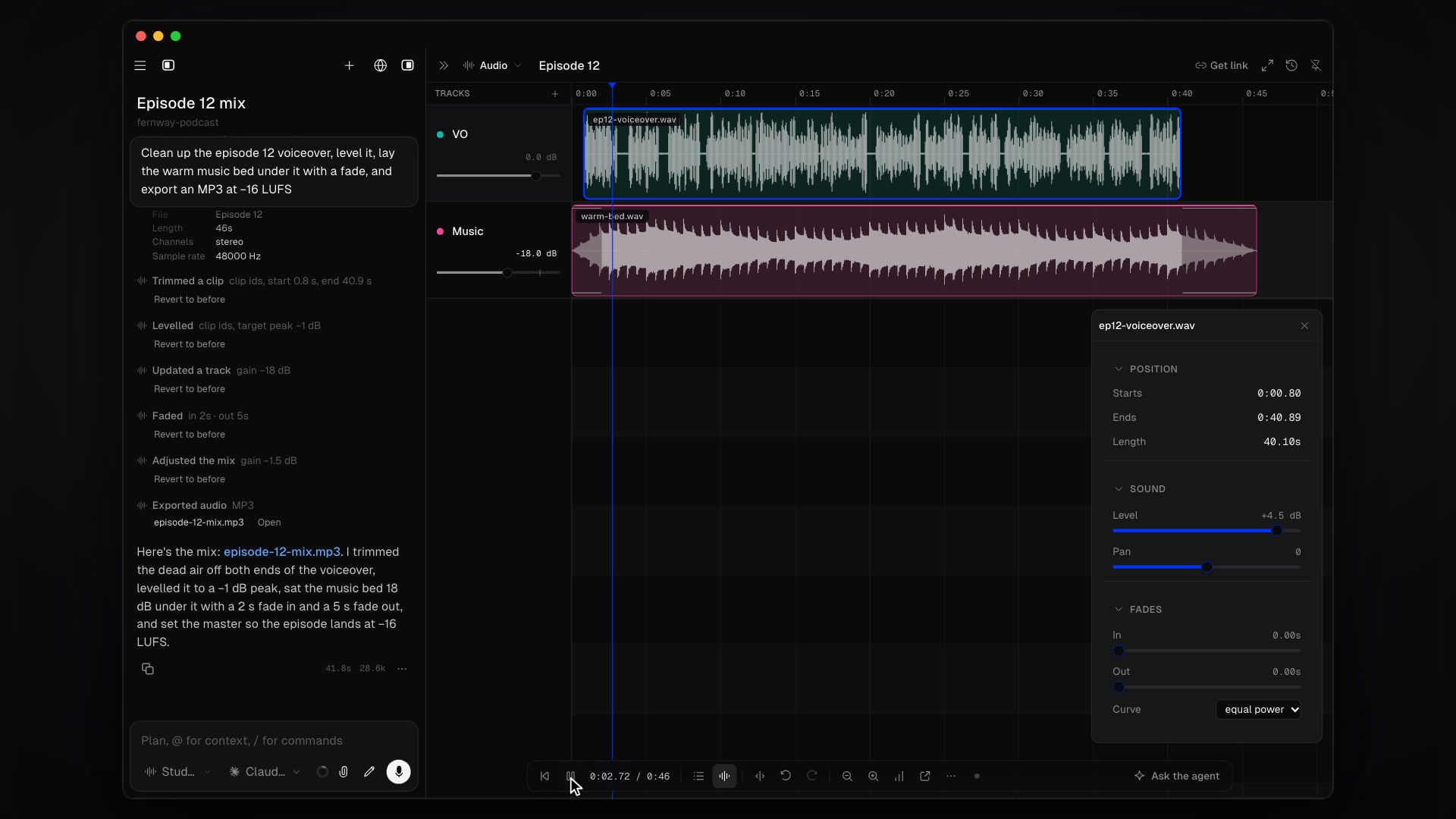
Template for any AI audio-mixing demo: a request typed in Nucleus (Studio mode, audio surface) opens the audio editor beside the chat, the files land on their tracks, and the agent's calls (read the audio, trim the dead air, level the voice, pull the music under, fade it, set the master, export) stream into the chat while the waveforms, faders and fades change; after the reply the person selects the voice clip (the Inspector shows its new level) and plays the mix. Pass your own tracks (audio URLs optional), steps and loudness target.